
Running Ubuntu Containers with Hyper-V Isolation on Windows

Dustin Kirkland
on 13 September 2017
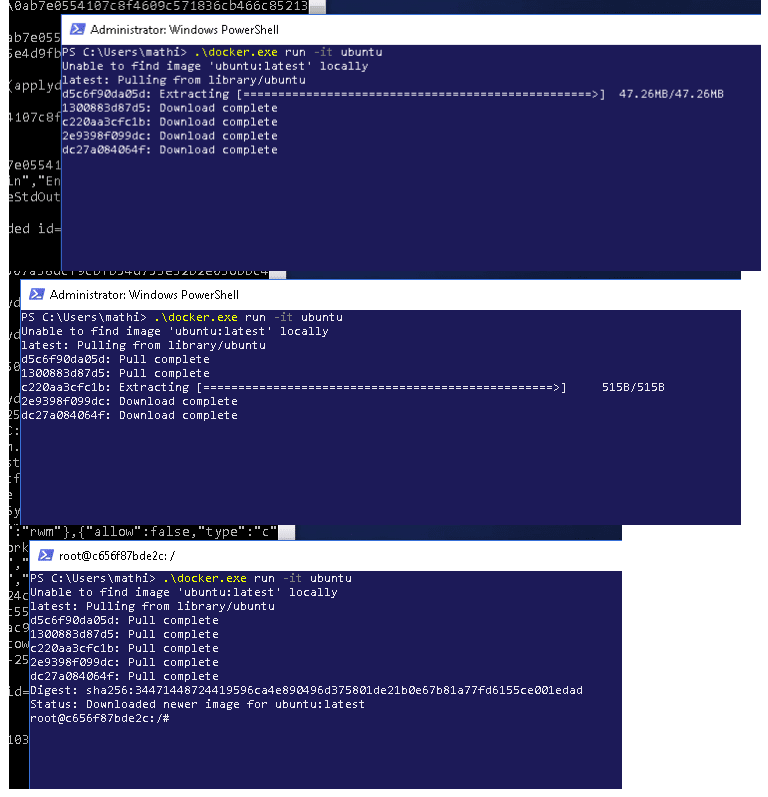
Canonical and Microsoft have teamed up to deliver an truly special experience — running Ubuntu containers with Hyper-V Isolation on Windows 10 and Windows Servers!
We have published a fantastic tutorial at https://ubu.one/UhyperV, with screenshots and easy-to-follow instructions. You should be up and running in minutes!
Follow that tutorial, and you’ll be able to launch Ubuntu containers with Hyper-V isolation by running the following directly from a Windows Powershell:
-
docker run -it ubuntu bash
Cheers!
Dustin
Talk to us today
Interested in running Ubuntu in your organisation?
Newsletter signup
Related posts
So you need to add microcontrollers to your fleet: now what?
Your Ubuntu Core fleet is running beautifully. OTA updates roll out in minutes. Every device is strictly confined, cryptographically attested, and carrying a...
Validating real-world skills through Canonical Academy
In an increasingly volatile job market, standing out from the competition is vital. For many in the open source community, formal recognition for self-taught...
Virtualized Android comes to Anbox Cloud
With our latest 1.30.0 Anbox Cloud release, available today, we are introducing one of the most significant evolutions of the platform to date: support for...